In this guide, we will see how to terminate a service on Hosterfy.
First of all, you must understand that cancelling a service is a definitive action, all data will be deleted. It will be impossible to recover them afterwards.
Requirements
- Have a customer account on Hosterfy
- Have an active service
Cancel a service
Log in to the customer area
First, log in to your customer account on Hosterfy. If you forgot your password, click on "forgot password" on the login page.
Access to the service
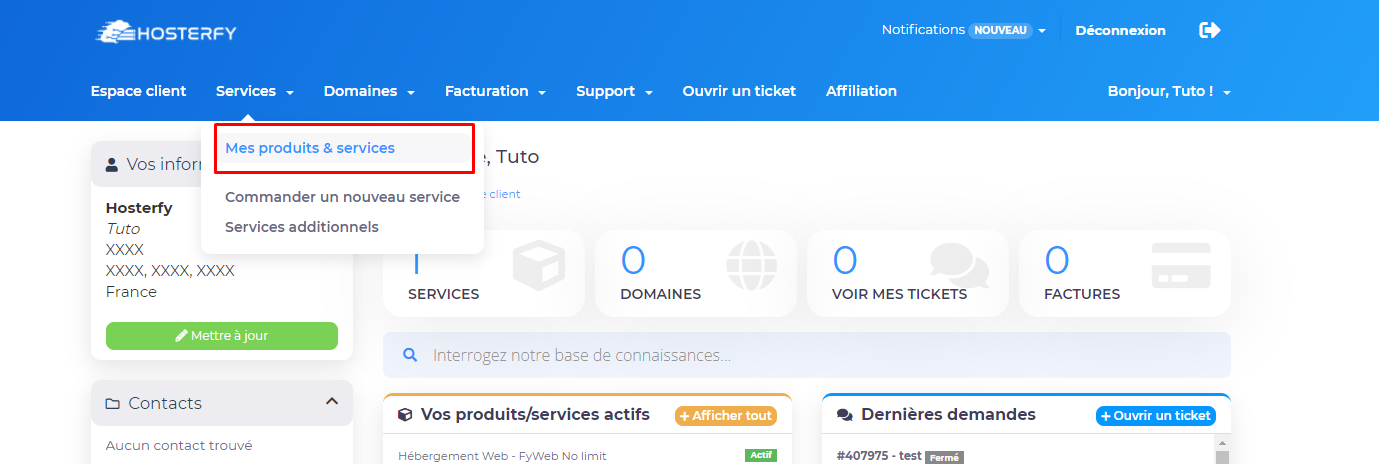
Once connected, go to the tab "My services" and click on the service you want to access.
Cancel the service
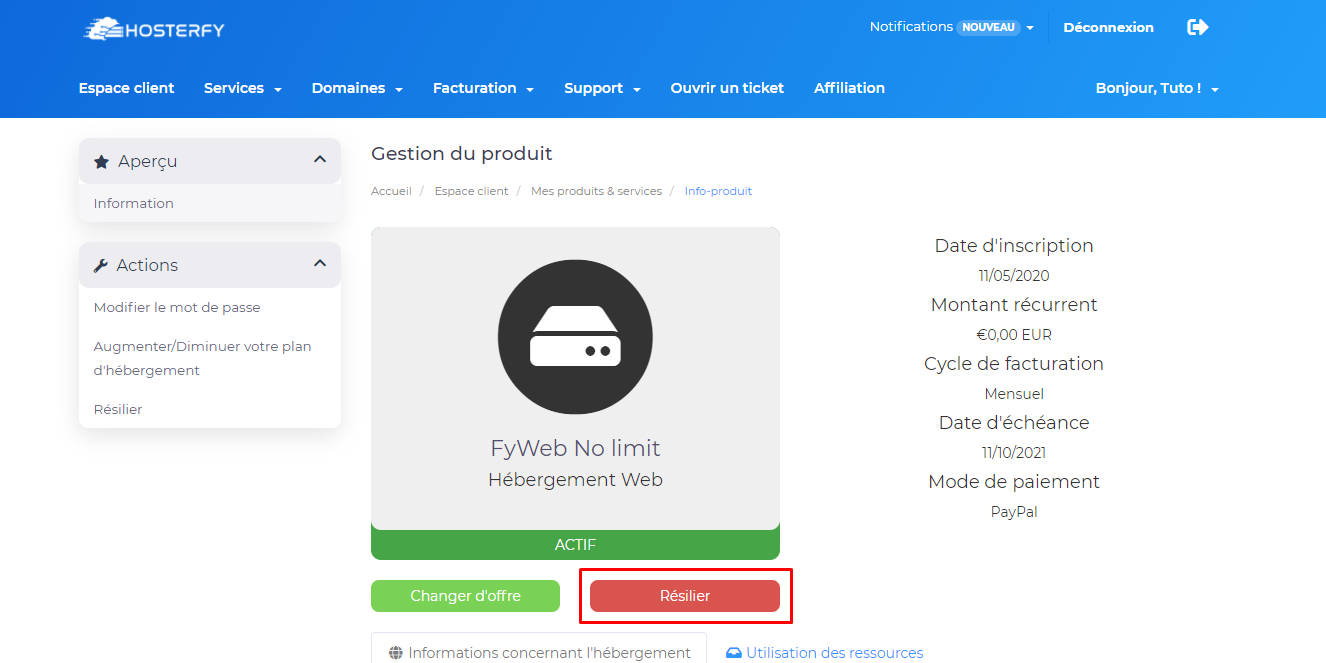
Then simply click on the red "Cancel" button located at the bottom left.
You will then be given two choices :
- Immediate : Closes and deletes the service data immediately.
- End of billing period : Closes and deletes the data at the end of the period already paid.
Finally, confirm your request by clicking on "Cancel".
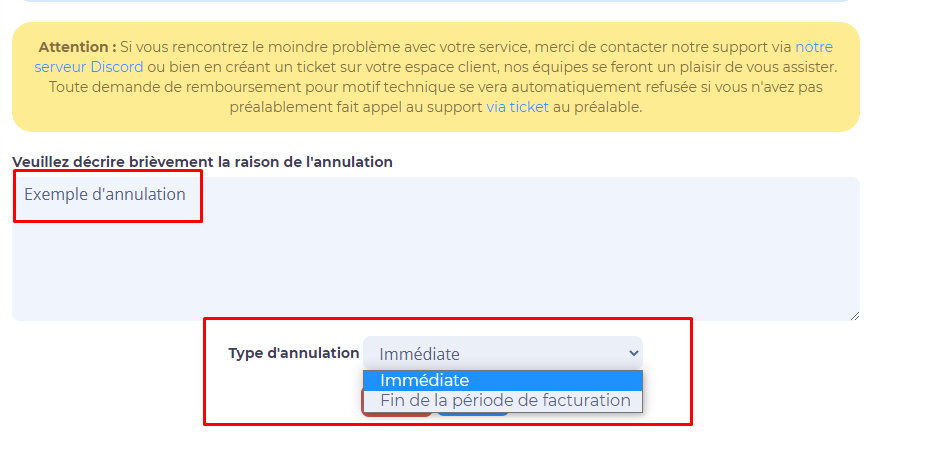
Please note that all requests for refunds for technical reasons will be refused if you have not previously contacted support via ticket.
Don't hesitate to join our discord if you encounter a problem !






Post a comment
Comments